Review before starting
Make the goal, roles, references, write scope and budget explicit in preflight.
Implemented · Scoped checksWindows AI workspace · Development candidate
A clear, bounded place for AI work. Review the goal and budget, let configured executors develop in steps, then check the result with verification and independent review.
Uses your existing clients and accounts · Final acceptance is in progress

01 / PRODUCT
Organize work around the project: know who owns each step, where changes are allowed, and which evidence supports the result.
Make the goal, roles, references, write scope and budget explicit in preflight.
Implemented · Scoped checksInspect real files, plans, changes and logs. Keep execution, checks and review separate.
Implemented · CandidatePause future work and wait for native stop evidence. Reconcile unknown results without blind replay.
Implemented · Scoped fault checks02 / WORKFLOW
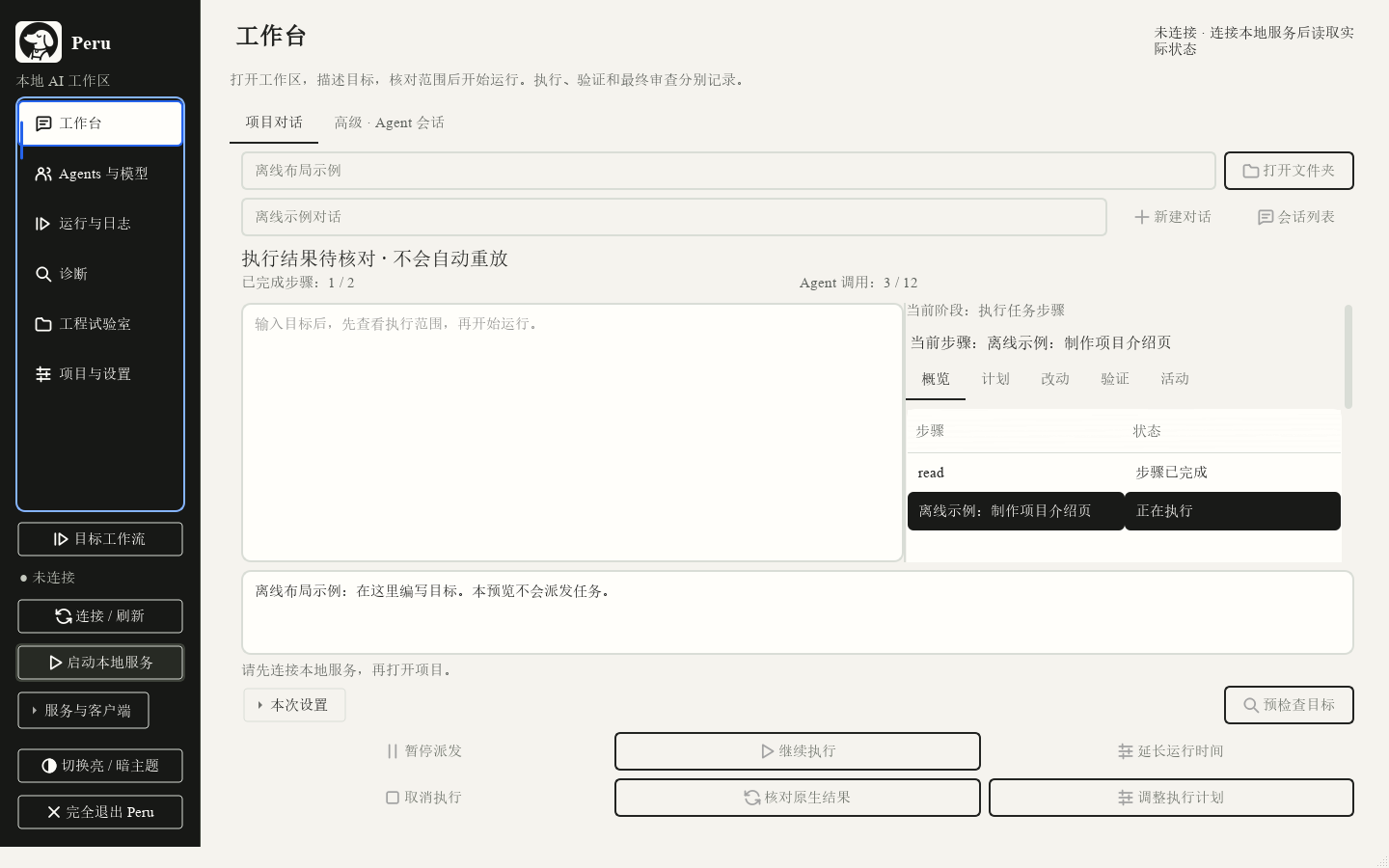
Select a step to see how a goal moves through the workflow. This fixed-data demo does not connect to a local service, read files or start an AI.
WORKFLOW DEMO · FIXED DATA
Choose a project folder and tell Peru what the result should be. Name any reference sources and keep the output in your workspace.
03 / CONTROL & EVIDENCE
Important approvals, real stop receipts and unresolved problems should remain visible. Peru keeps those facts separate from a simple “done” label.
Reference sources are read-only; outputs stay in the selected workspace. Extra actions need approval. A worktree is not a certified OS sandbox.
A pause stops future dispatch. The native receipt determines whether the current turn has stopped.
Retain failures, frozen budgets and original conversations. Rework is bounded; unknown results are never blindly replayed.
04 / COMPATIBILITY
Clients, models and permissions have distinct limits. A software configuration does not prove native acceptance of every combination.
Scoped native planning, implementation and fresh review evidence exists. Available models depend on the current account catalog.
The native SDK plugin is activated. Current project binding and full mixed-task acceptance remain in progress.
The new source handoff entry is implemented and software-tested. The complete current client path still needs live acceptance.
START WITH AN ISOLATED TEST PROJECT
Review installation, role setup and validation limits before using the candidate.
Windows x64 · Unsigned personal candidate · No public binary distribution
05 / FAQ
No. Peru organizes workspaces and execution records locally. Models come from your configured clients or services; approved context is sent to the relevant service when using a cloud model.
Not yet. Role configuration and serial routing are implemented, and scoped native evidence exists. Current dual-client contributions, paired five-task tests and final live gates are unfinished.
No. Unobserved tokens, provider-internal calls and costs remain unknown. There is no measured savings claim; failures or missing permissions can leave work safely waiting.
It is an unsigned personal development candidate with unfinished final acceptance. Start with an isolated test project, keep backups and review scope, permissions and compatibility.